Spaced repetition settingsHow words
come back.

Each notebook has a page of rules for its schedule. The defaults suit most people, so you never have to open it. When you want to, every rule is one tap to change, and all of it is free.

Updated . Checked against the app on 8 October 2026.

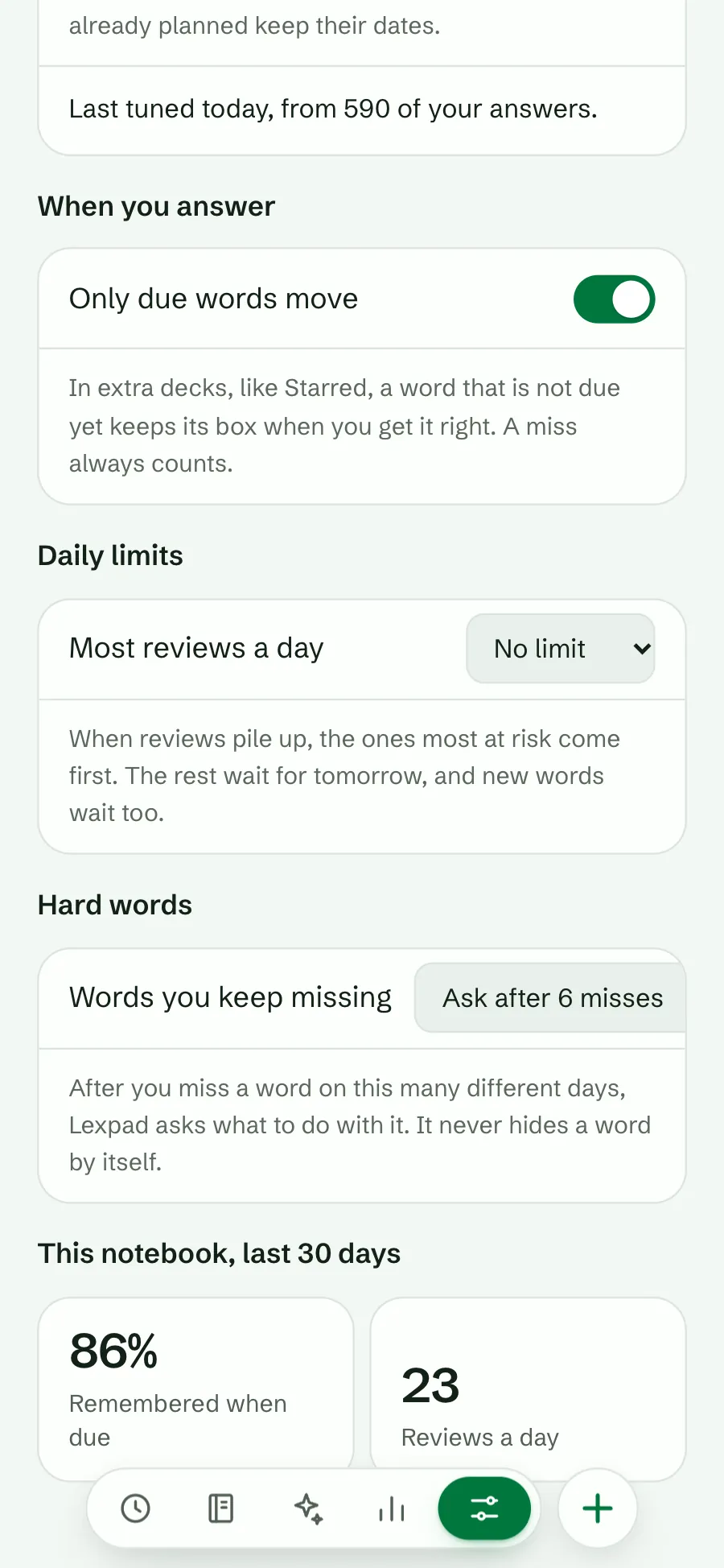
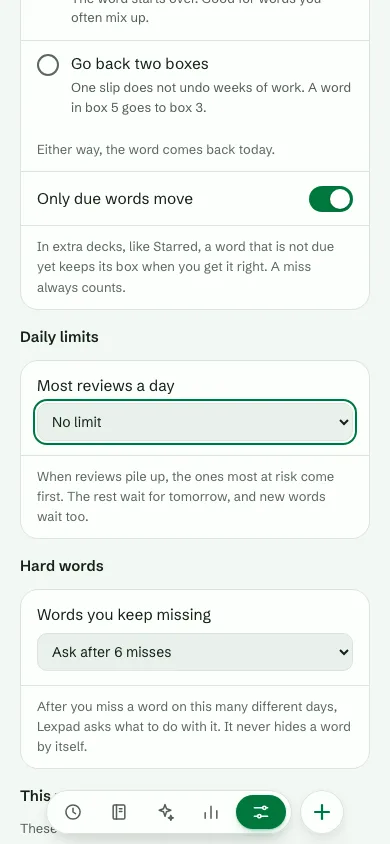
The How words come back page: Only due words move switched on, Most reviews a day set to No limit, and Words you keep missing, Ask after 6 misses
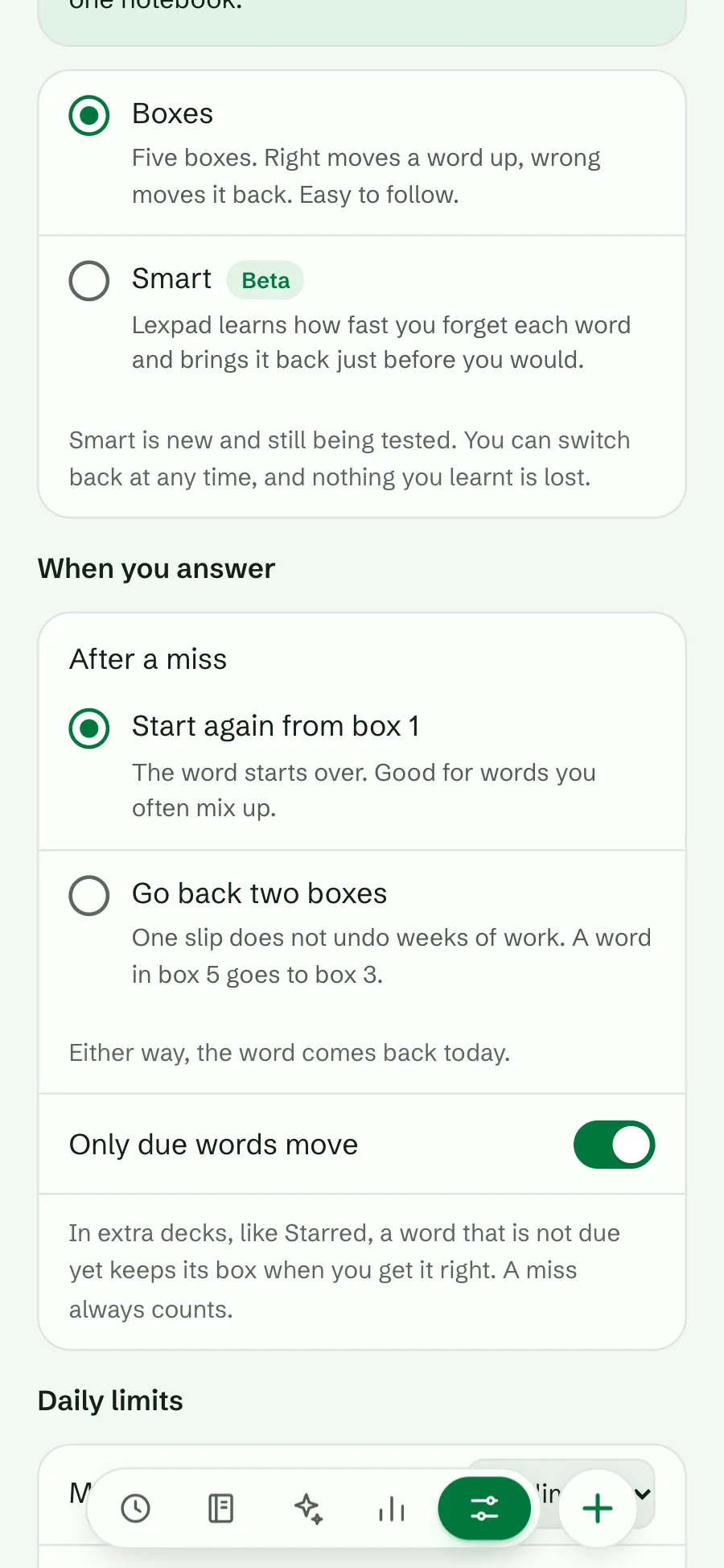
The After a miss choices: Start again from box 1, selected, and Go back two boxes
Where
Settings → Notebooks → How words come back
Per
Notebook, for you only
Rules
Extra practice, after a miss, limits, hard words
Plan
Free

Where to find it

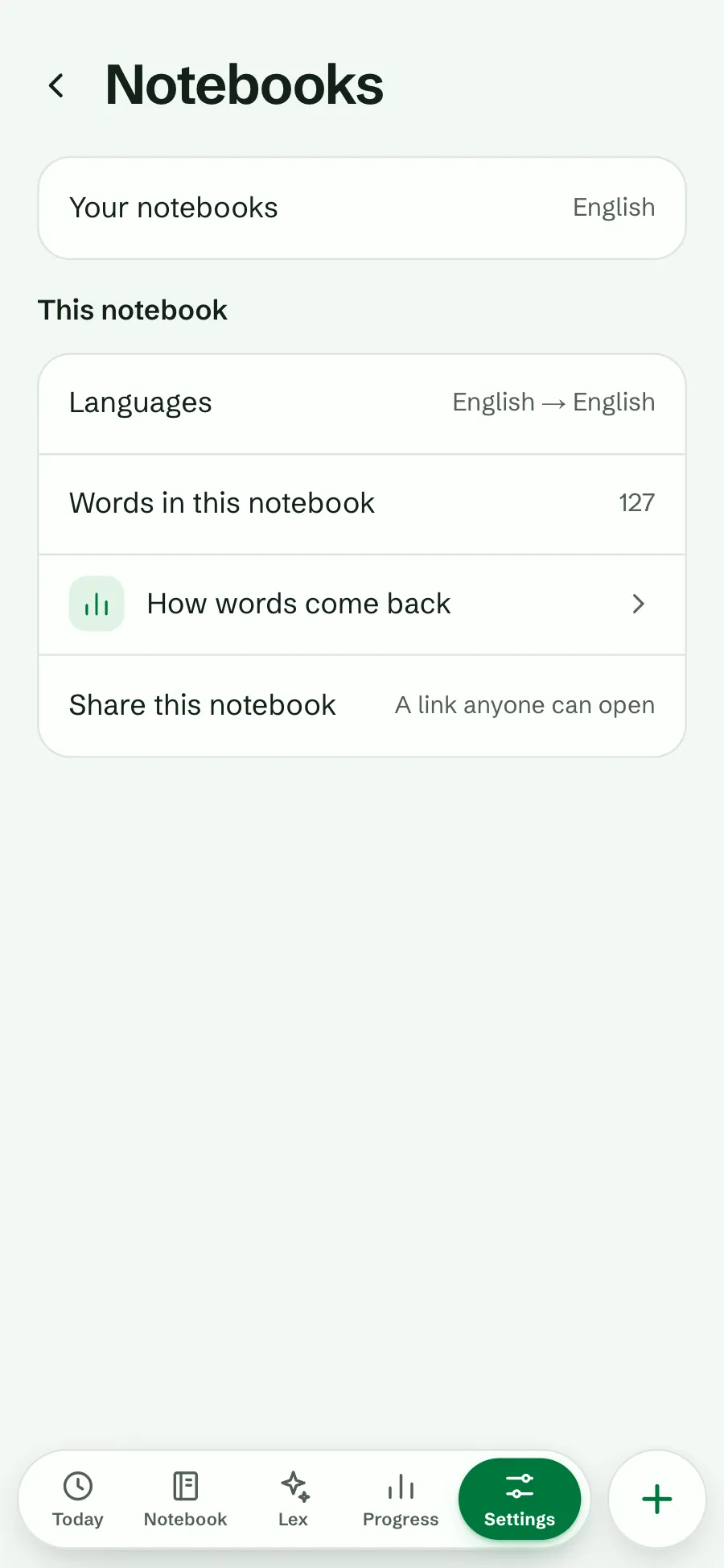
Open Settings⁠, then Notebooks⁠, and choose How words come back under This notebook. You reach the same page from Settings⁠, Practice: the first row says “How words come back in” and your notebook’s name. With several notebooks, each has its own page.

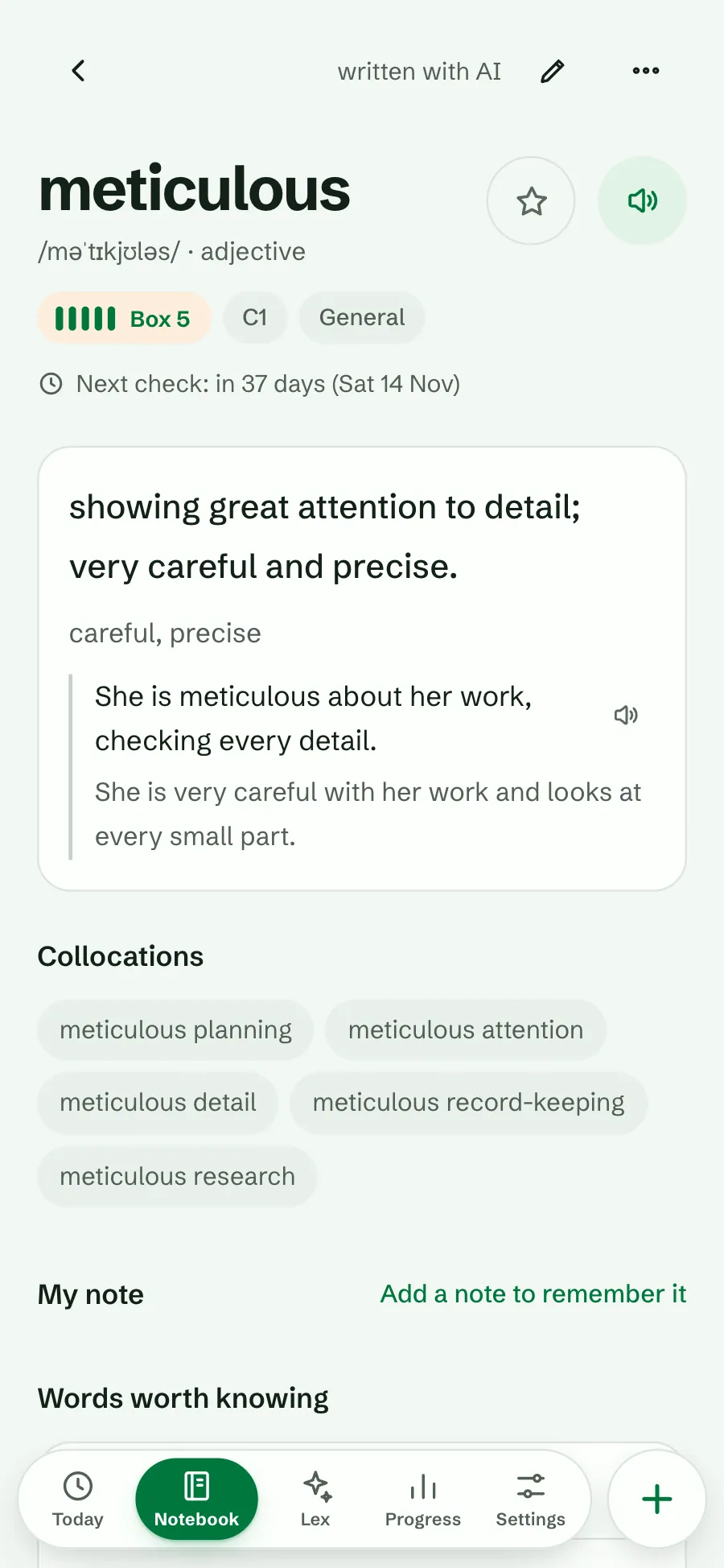
It is also one tap from where schedules show: the Next check line on any word’s page, and the line How words come back at the end of a session when a rule acted, such as “Some answers were saved as practice.”

These rules are yours. In a shared notebook, every member has their own.

You need a connection to change a rule. Offline, the page says “You’re offline. Connect to change this. Your schedule keeps working.”

Settings, Notebooks with the How words come back row under This notebook
From Notebooks
The word meticulous: Box 5, C1, and the line Next check: in 37 days (Sat 14 Nov)
From a word’s Next check

Only due words move

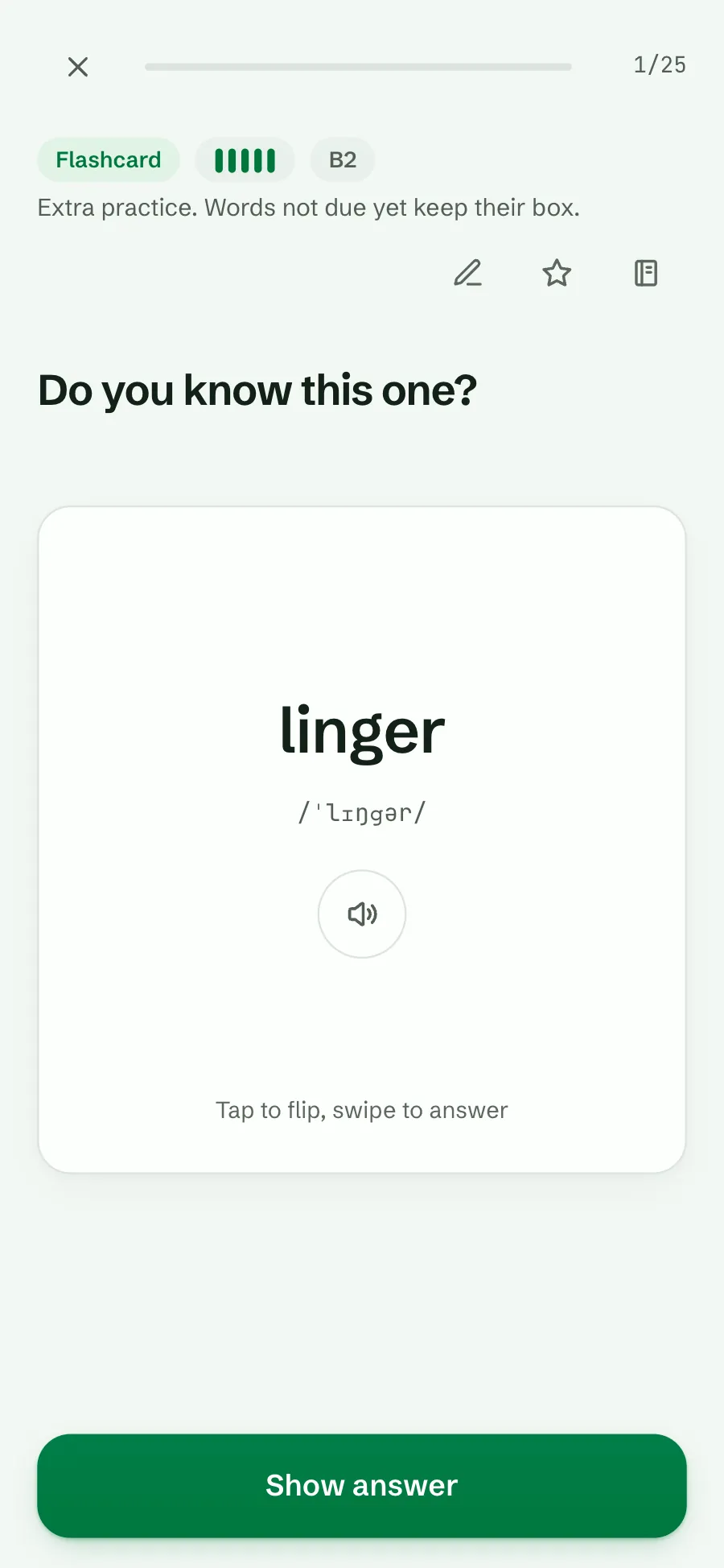
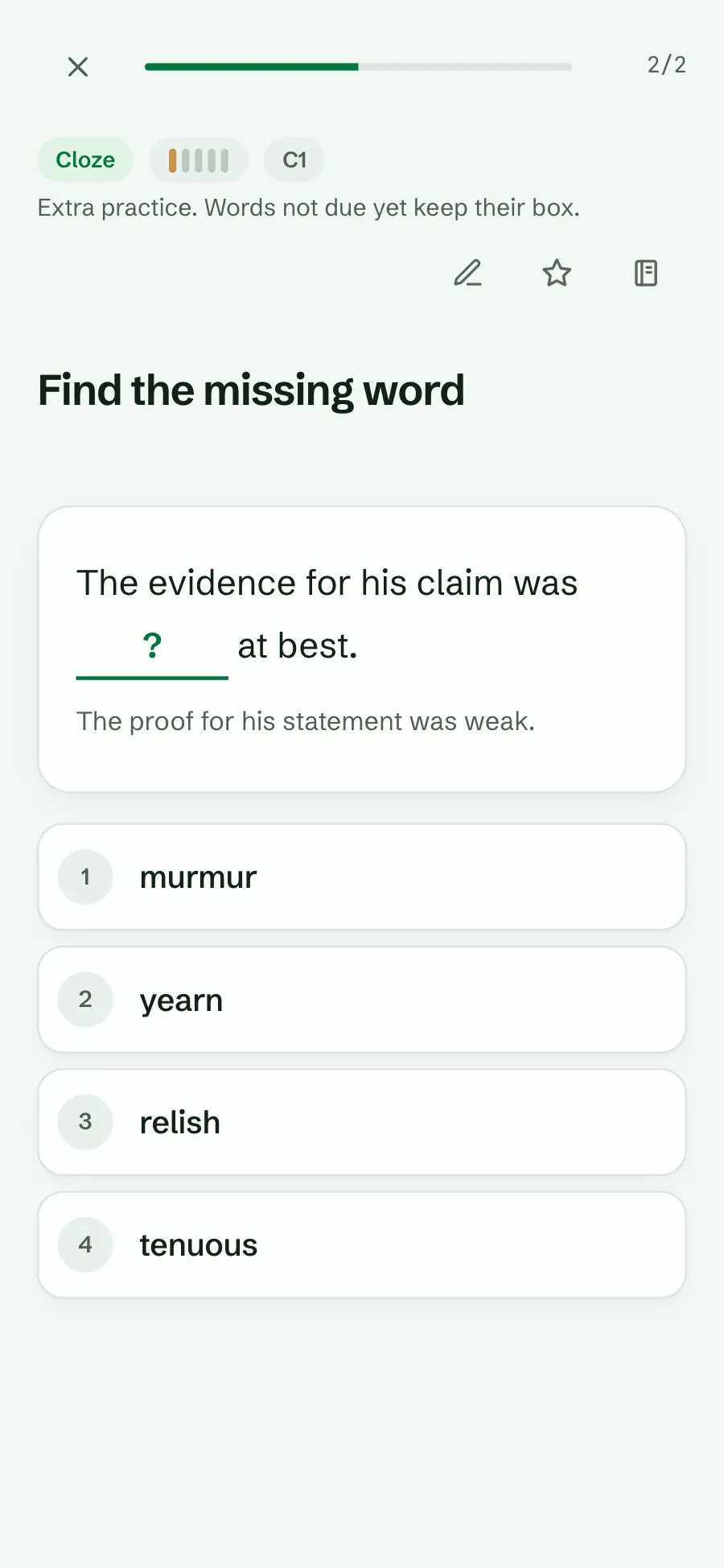
Extra decks, such as Starred, a level, a topic or a drill, are for practice any time. With Only due words move on, a word that is not due yet keeps its box when you get it right. A miss always counts, because forgetting is real news. When a deck holds words that are not due yet, it says so: “Extra practice. Words not due yet keep their box.”

Why: practising your starred words every day used to push them up the boxes too fast, so they then came back too late, when they were already forgotten. Now a right answer moves the schedule only on the day the word is due. Every answer still counts for your streak and your day.

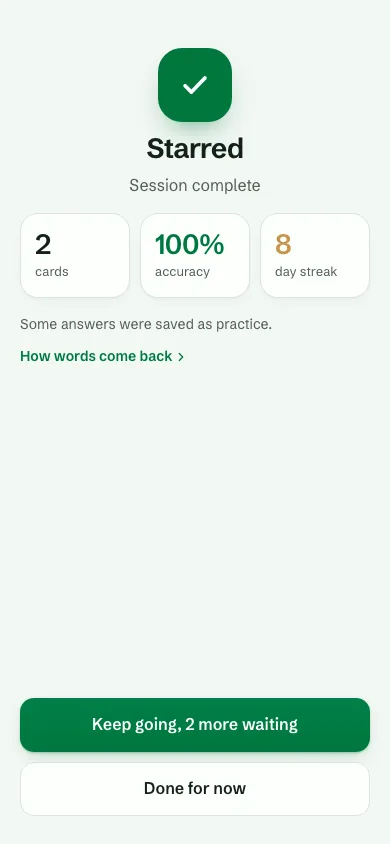
The session summary tells you when it happened: “Some answers were saved as practice.”

Plan
On by default
Where
the web app, the Android app (1.0.51 and later) and Lexpad for Mac and Windows (0.3.0 and later)
Connection
not needed to practise
A flashcard for linger, a box 5 word, in a Mastered deck, with the line Extra practice. Words not due yet keep their box.
Extra practice in a deck
The summary of a Starred session: 2 cards, 100% accuracy, 8 day streak, Some answers were saved as practice, and a How words come back link
The summary says so

After a miss

For a notebook on Boxes you choose what a miss does:

  • Start again from box 1 (the default). The word starts over. Good for words you often mix up.
  • Go back two boxes. One slip does not undo weeks of work: box 5 goes to box 3, box 4 to box 2, box 3 or lower to box 1.

Either way, the word comes back today. A notebook on Smart does not need this rule: Smart shortens the gap after a miss by itself.

The After a miss choices: Start again from box 1, selected, and Go back two boxes, with Only due words move switched on below
After a miss, in Boxes

Daily limits

Two numbers keep a day the right size.

Per notebook

Most reviews a day

No limit (the default), 50, 100 or 200. When reviews pile up, after a holiday for example, the ones most at risk come first; the rest wait for tomorrow, and new words wait too. Today shows how many wait. In Boxes the lowest box goes first; in Smart, the word you are least likely to remember.
Per account

New words per day

In Settings, Practice. It counts across all your sessions in a day, so a second session does not bring another full set of new words.

These are your own numbers, not plan limits. Not sure what to choose? How many new words a day works out the reviews each new word brings.

Back after a break? After three or more days away, with more than 100 reviews waiting and no limit set, Today asks once: “Lots to review after a break. Set a daily limit?” Set a daily limit opens this page at Most reviews a day.

The schedule page at Daily limits: Most reviews a day, No limit, in focus, with its note, and Words you keep missing, Ask after 6 misses
Most reviews a day

Words you keep missing

Some words slip again and again. Lexpad counts the different days you missed a word, and when that count reaches your setting (Off, 4, 6 by default, or 8), the end of the session asks what to do. Flashcard users call such a word a leech.

  • Add a note: a memory trick or a sentence of your own.
  • See examples: read the word in use again.
  • Rest it for now: take it out of practice, with Undo. Bring it back from its page any time.
  • Keep going: change nothing.

Lexpad never hides a word by itself. It asks again only if the misses keep coming.

  1. A cloze card for tenuous answered wrong: murmur marked wrong and tenuous shown as the right answer

    You miss the word on yet another day.

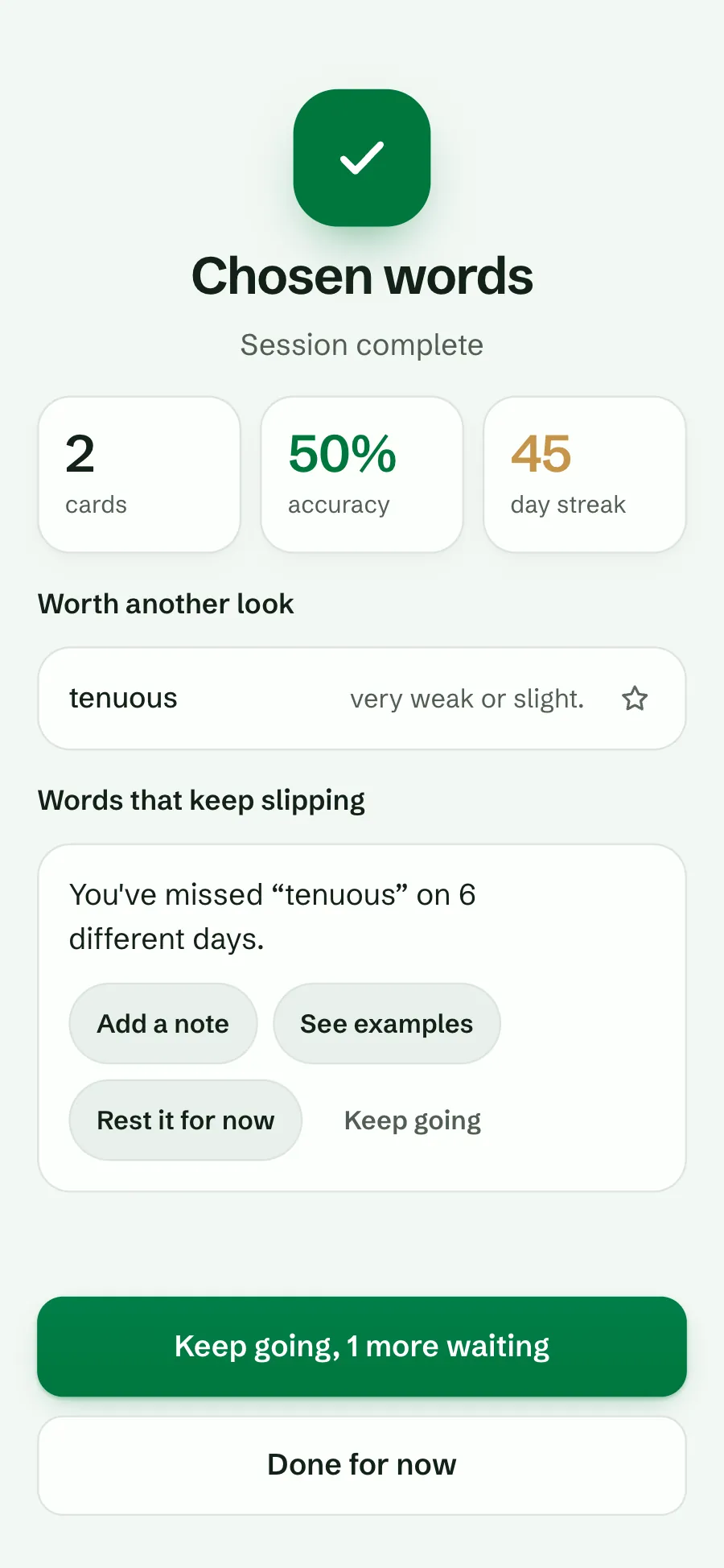
  2. The session summary with Words that keep slipping: You have missed tenuous on 6 different days, and Add a note, See examples, Rest it for now and Keep going

    The summary asks: Words that keep slipping.

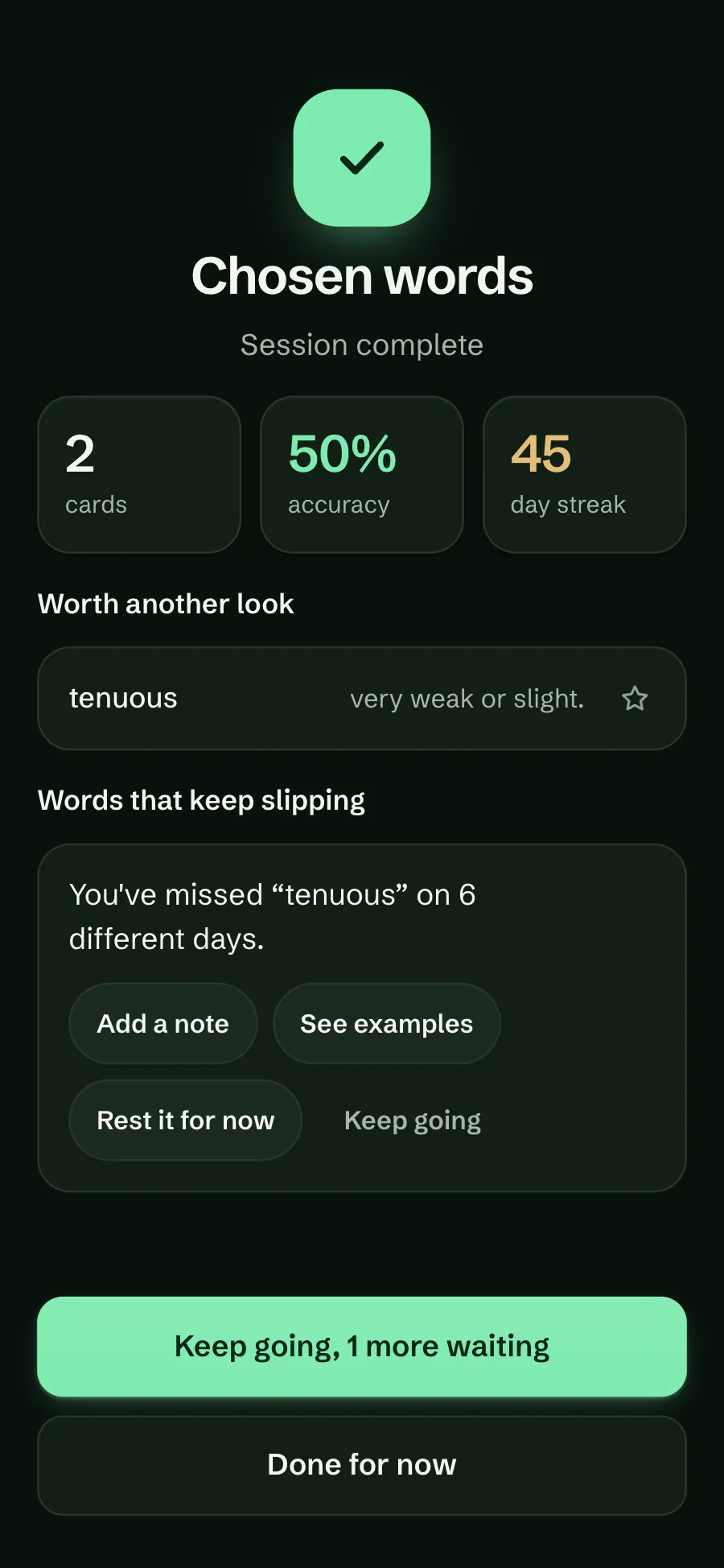
  3. The session summary in the dark theme: Words that keep slipping for tenuous, with Add a note, See examples, Rest it for now and Keep going

    Pick one. Rest it for now offers Undo.

Why these rules help

  • Honest boxes. A word moves up only when it was due and you remembered it, so a box means what it says.
  • Fewer surprises. One slip on a word you have known for months can cost two boxes instead of five.
  • A day the right size. After a break you start with what matters most, not a wall of reviews.
  • Help where it is needed. A word that keeps slipping gets a note or an example, not just more of the same.

Who it helps

Busy days

Set Most reviews a day to 50 and the hardest words always come first.

Fans of Starred

Practise your starred words as often as you like. They keep their place until they are due.

Long notebooks

Go back two boxes keeps a mastered word from starting over after one bad day.

The defaults at a glance

Each notebook starts with these.
RuleDefaultChoices
ScheduleBoxesBoxes, Smart (Beta)
After a miss (Boxes)Start again from box 1Go back two boxes
Only due words moveOnOff
Most reviews a dayNo limit50, 100, 200
Words you keep missingAsk after 6 missesOff, 4, 8
New words per day15In Settings, Practice

On an older app. The Android app and the desktop app follow the same schedule, because the server works out every answer. Until they are updated they show a change after they sync, and the settings page tells you so.

Good to know

Questions

Why did my starred word not move up?

It was not due yet. With Only due words move on, a right answer to a word that is not due keeps its box; the word moves on the day it comes back. Turn the rule off on this page if you prefer the old way.

Does extra practice still count for anything?

Yes. Every answer counts for your streak and your daily numbers. Only the schedule waits for the day the word is due. A miss always counts.

What does “Go back two boxes” do to a mastered word?

A miss in box 5 sends it to box 3, due today, instead of box 1.

Will a daily limit hide words for ever?

No. Words over the limit wait for the next day, most at risk first. Set No limit to see them all again.

Will Lexpad remove words I keep missing?

No. It asks you. Resting a word is your choice and can be undone from the word’s page.

Do these settings change my other notebooks?

No. Each notebook has its own page. New words per day is the one setting for your whole account.

Lexpad

Practice that fits your days.

Every rule on this page is free.