Brainscape
Flashcards with its own spaced-repetition algorithm, where you rate how well you knew each card. You can make cards, import them or study cards others share.
Checked on 12 October 2026: Brainscape pricing.
 Lexpad
The main Anki alternatives are Brainscape, Mochi, Noji, Quizlet, RemNote and Wokabulary, plus Lexpad, our own app for vocabulary. Each has a free plan or a free version. Pick Mochi to keep writing your own cards with less setup, Brainscape, Noji or Quizlet for ready-made decks, RemNote for cards from your notes, and Lexpad to keep the words you meet, with each card written for you and your Anki deck imported as it is.
By Reza Pirighadim, who makes Lexpad. Updated 20 October 2026: Noji added and Anki re-checked. Other tools checked on 12 October 2026.
Start from what you want Anki to do differently.
| If you want | Look at | Why |
|---|---|---|
| Anki itself, free, on Android | AnkiDroid | It is Anki for Android, free, and syncs with the free computer version through AnkiWeb. |
| Something like Anki, but cleaner | Mochi | You still write your own cards (in Markdown), with a free plan that keeps cards on your device. |
| A free app on iPhone | Brainscape, Mochi, Noji, Quizlet, RemNote, Wokabulary | Each has a free iPhone app with paid extras. AnkiMobile costs $24.99 on the US App Store. |
| Decks made by others | Brainscape, Noji, Quizlet | Shared or ready-made decks and sets to start from. |
| Cards from your notes | RemNote | Flashcards come out of the notes you take. |
| Your own vocabulary, with the card written for you | Lexpad (ours) | You add the words you meet; AI writes meanings, examples and pronunciation; Leitner boxes or FSRS-6 (Beta) bring them back. It imports your Anki deck. |
| A tidy word list on Apple devices | Wokabulary | Your own word lists on iPhone, iPad, Mac and Apple Watch. |
Anki is excellent, and for many people it is the right tool. The computer version is free on Windows, Mac and Linux, AnkiDroid on Android is free, and so is AnkiWeb sync (apps.ankiweb.net, checked 20 October 2026). It has FSRS built in, thousands of shared decks and settings for everything.
People who learn vocabulary tend to look elsewhere for three reasons:
If none of these bother you, stay with Anki. If you are already using it and only want to compare it with our app, read Lexpad vs Anki.
If your Anki decks are vocabulary, you can try Lexpad with them in a few minutes, without retyping anything. Lexpad is our own app, so judge it against the others below.
From Anki to Lexpad
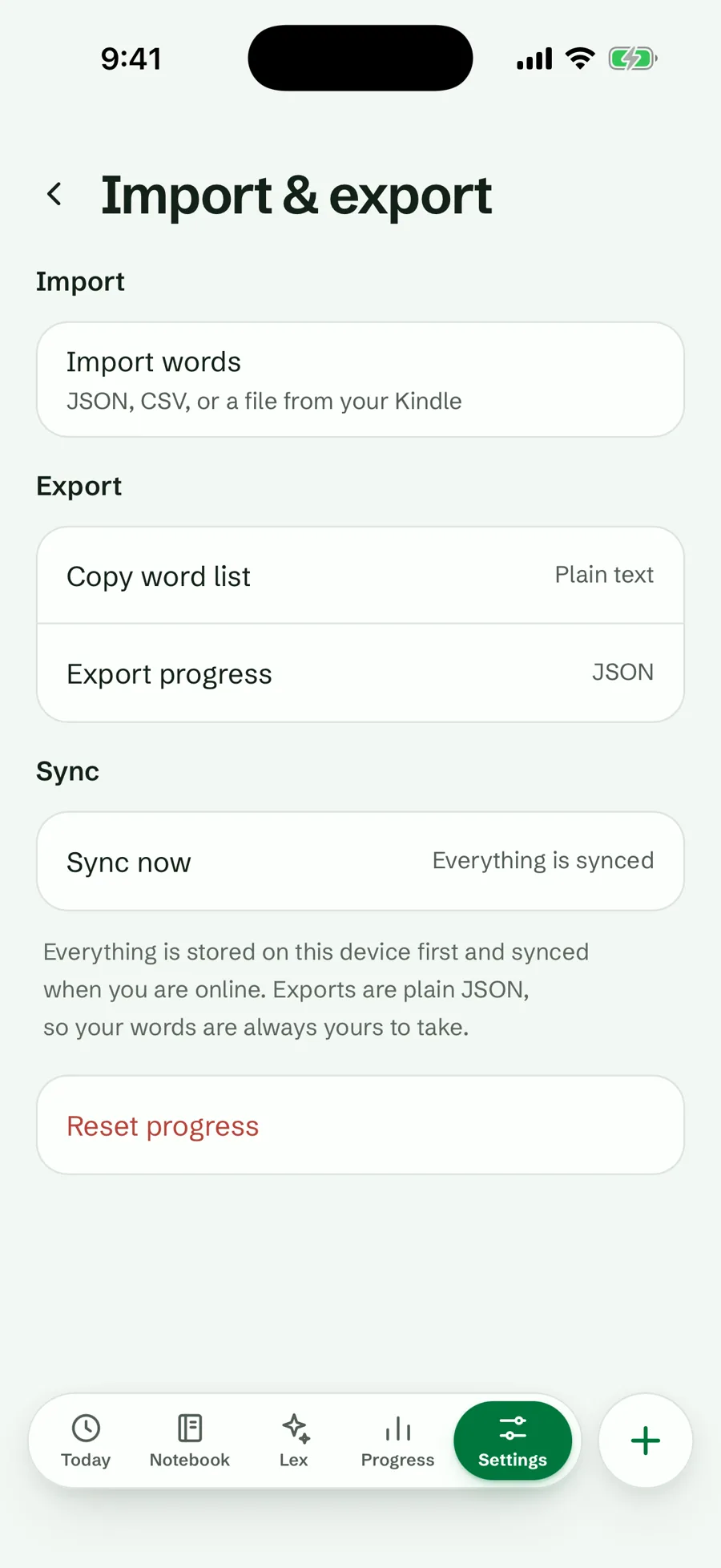
What stays in Anki: review history, pictures and sounds; every word starts in box 1 and moves up one box per right answer. Used FSRS in Anki? Any Lexpad notebook can switch to the Smart schedule, built on FSRS-6 (Beta, free). Lexpad vs Anki says honestly where Anki is better.
The same facts for every tool, in alphabetical order. This is not a ranking: each tool is good at a different job.
| Tool | Making cards | Ready-made material | Platforms | Price model |
|---|---|---|---|---|
| Anki (for comparison) | Yes, or use shared decks | Shared decks | Windows, Mac, Linux, Android, iPhone, web | Free; iPhone app $24.99 |
| Brainscape | Yes, or AI | Shared and certified cards | Web, iPhone, Android | Free plan; Pro |
| Lexpad (ours) | You type the word; AI writes the card | None, by design | Web, Android, Mac and Windows | Free plan; Pro optional |
| Mochi | Yes, in Markdown | No | Mac, Windows, Linux, iPhone, Android, web | Free; Pro $5/month |
| Noji | Yes | A deck library | iPhone, Android, web | Free; Premium in-app |
| Quizlet | Yes, or from your notes | Sets by others | Web, iPhone, Android | Free; Plus in-app |
| RemNote | From your notes | No | Desktop, iPhone, Android | Free; Pro $8/month |
| Wokabulary | Yes | No | iPhone, iPad, Mac | Free download |
What each one is, where it runs, what it costs, who it suits and one thing to keep in mind. Every fact links to the page we read it on.
Flashcards with its own spaced-repetition algorithm, where you rate how well you knew each card. You can make cards, import them or study cards others share.
Checked on 12 October 2026: Brainscape pricing.
A vocabulary notebook with spaced repetition, made by the author of this page (who makes Lexpad). You add the words you meet yourself; AI can write each card (meanings, examples, pronunciation, level), and five Leitner boxes or the optional Smart schedule bring each word back.
Our product. Facts from the feature pages.
Notes and flashcards written in Markdown and studied with spaced repetition. Close to Anki in spirit, with a cleaner editor.
Checked on 12 October 2026: Mochi pricing, mochi.cards.
A flashcard app built on its own spaced-repetition algorithm, with a library of ready-made decks and a web version that syncs with the phone apps. Its App Store listing’s in-app purchases still carry an earlier name, AnkiPro.
Checked on 20 October 2026: noji.io, App Store listing.
Study sets you make, or find among sets that other learners and teachers made, with Learn, practice tests and spaced repetition.
Checked on 12 October 2026: App Store listing. Quizlet’s own upgrade page did not load for us; prices on the web may differ.
A note-taking app where flashcards come out of your notes, with a built-in spaced-repetition algorithm, PDF annotation and AI study tools.
Checked on 12 October 2026: RemNote pricing.
A vocabulary app for your own word lists. Words are sorted into learning levels, so new and difficult words come back more often.
Checked on 12 October 2026: wokabulary.com.
Four questions settle it for most learners:
Whatever you choose, the method matters more than the app: a few minutes of reviews every day, with gaps that grow. The Leitner system explains the simplest version. Not sure which kind of app you need? Which vocabulary app fits how you learn sorts them by where the words come from.
Most tools can export plain text, and some read Anki’s own deck file. Review history does not come across between apps, so expect to start each word again. The full steps for Lexpad: move your Anki or Quizlet words. Weighing Anki against Quizlet? Anki vs Quizlet. Keeping your words on paper or in a sheet instead? Digital vocabulary notebook compares the options.
Good to know
Yes. Lexpad (ours) writes a whole vocabulary card from one word: meanings, examples with translations, pronunciation and level, in 81 languages. It imports your Anki deck and can fill every card that arrived without a meaning in one tap. For cards made from your own notes on any subject, see RemNote in the quick answer above.
It depends on the job. For any subject with cards you write yourself, Mochi’s free plan is closest to Anki. For ready-made decks, Brainscape, Noji and Quizlet have free versions. For vocabulary you meet while reading, Lexpad’s free plan keeps unlimited words with both schedules. AnkiDroid on Android is Anki itself, and free.
Brainscape, Mochi, Noji, Quizlet, RemNote and Wokabulary all have free iPhone apps with paid extras. Lexpad does not have one yet. The iPhone and iPad app is in Apple’s App Review; until then, use the web app in Safari.
AnkiDroid is Anki itself on Android, and free. Brainscape, Mochi, Noji, Quizlet, RemNote and Lexpad (on Google Play) also have Android apps.
Anki itself writes nothing for you: every card is what you type or import. In Lexpad, AI writes only when you tap Fill with AI; you can type every card yourself.
Usually: export the deck from Anki as a deck package or as plain text and import the file. Review history rarely comes across. Lexpad reads the .apkg deck itself and takes the words and meanings, not the review history.
Lexpad’s optional Smart schedule (Beta) is built on FSRS-6. The others describe their own spaced-repetition algorithms. Leitner boxes or FSRS explains the difference.
Because it is one honest option for vocabulary. It is marked as ours (who makes Lexpad), the list is alphabetical, and the section on choosing says when another tool fits better.
Lexpad
Import the .apkg as it is, let AI fill the empty cards, and keep FSRS if you like it. Free to start, on the web and on Android.