 Lexpad
LingQ vs ReadlangLingQ vs Readlang:
which reading app fits?
Readlang is the lighter, cheaper tool: click a word on any web page or text to translate it, and practise the words you translated as flashcards; its free plan has unlimited single-word translations. LingQ is a whole reading-and-listening course with a library and your own imports, but its free account stops at 20 saved words. If you read in many places and mainly want to keep the words, a vocabulary notebook such as Lexpad (ours) is a third way.
By Reza Pirighadim, who makes Lexpad. Checked against the app on 20 October 2026.
- LingQ
- A course from content
- Readlang
- Click to translate on any page
- Checked
- 20 October 2026
- Third way
- One notebook, read anywhere
At a glance
Facts from readlang.com and LingQ’s own blog post on its plans, read on 20 October 2026 (sources).
| LingQ | Readlang | |
|---|---|---|
| Made for | Learning through content: lessons with text and audio, and your imports | Reading the web pages and texts you already read |
| Saving words | Click a word to make a “LingQ” | Every word you translate is saved |
| Free plan | 20 saved words and 5 imported lessons in total | Unlimited single-word translations; 10 phrase translations and 10 context explanations a day |
| Paid plans | Premium $14.99 a month, $10 a month yearly or $8.99 a month over 24 months; Premium Plus adds AI features | Premium $6 a month or $48 a year; Premium Plus $15 a month or $120 a year |
| Review | LingQ review of your saved words | Flashcards of the words you translated |
| Platforms | Web, iPhone, Android and an importer extension | Web, a Chrome extension and bookmarklet, with a guide for iPhone and Android |
Where LingQ is better
- A complete course. A library of lessons with audio, so you can learn from content even before you find your own.
- Listening as well as reading. Lessons pair text with audio, and Premium adds audio for your imports.
- Your vocabulary over time. With Premium, every saved word builds a picture of what you know.
Where Readlang is better
- Price. The free plan is usable day to day, and Premium costs less than half of LingQ’s monthly price.
- Reading where you already read. Click words on the web page itself, without importing it into a course.
- Simplicity. Translate, save, practise; nothing to set up.
A third way: read anywhere, keep one notebook
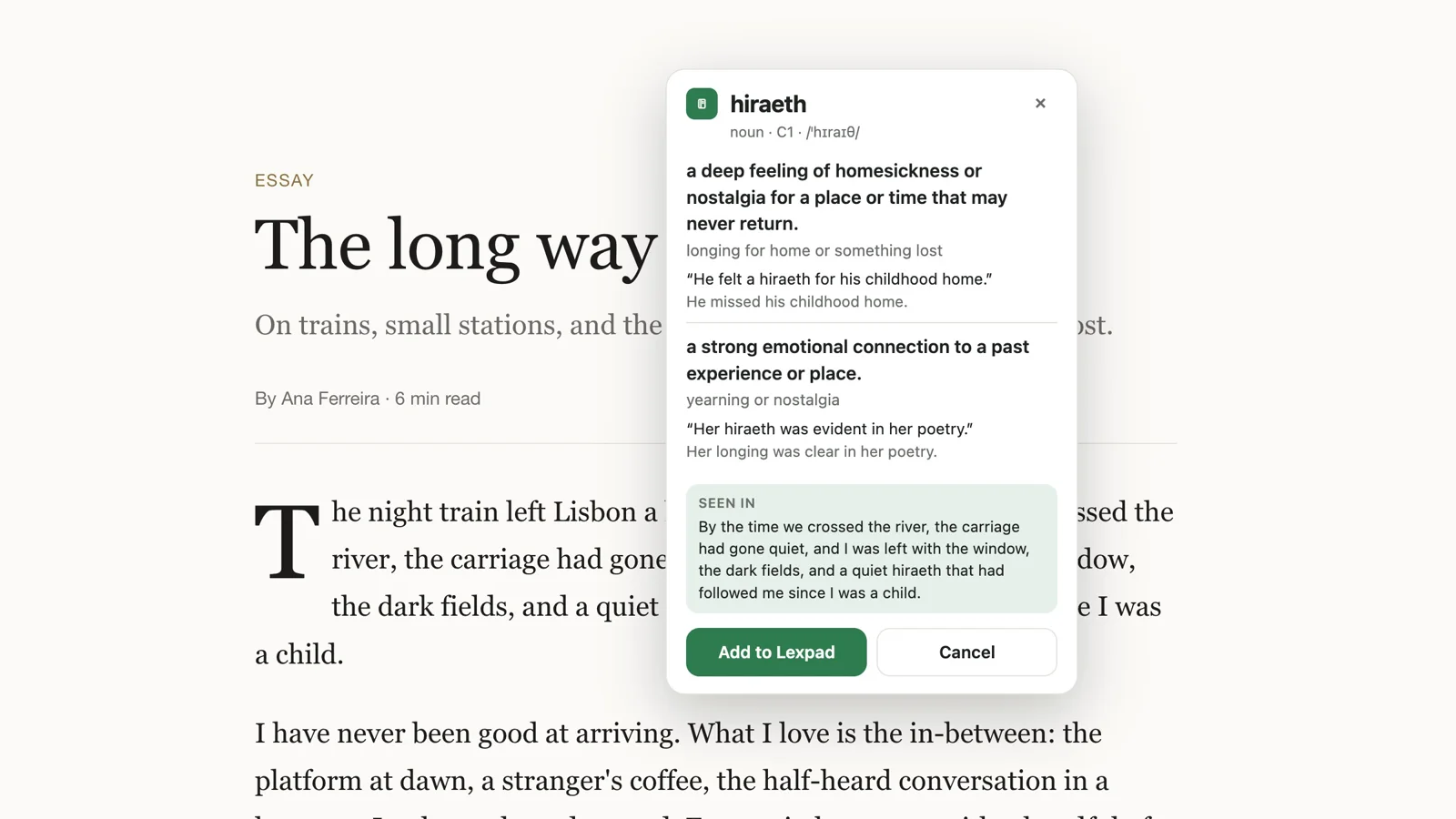
Both apps work best inside their own reading screen. If you read in many places (news sites, e-books, PDFs, chats), you can keep reading where you are and send each word to one notebook instead. That is what Lexpad, our own app, does: the browser extension saves a selected word with its sentence, the desktop app does the same in any app on a Mac or Windows PC, and Kindle look-ups import in one file. AI writes each card, and Leitner boxes bring the word back.
What it does not do: Lexpad has no library of lessons, does not translate whole pages, and does not colour the words you know on a page. More options, A to Z, in Readlang and LingQ alternatives.
Sources, checked 20 October 2026
Each fact about another product was read on 20 October 2026 on that product’s own site, help page, blog or US App Store listing. Prices and features change; check the source before you buy.
Good to know
Questions
Is Readlang better than LingQ?
For reading the web and saving words cheaply, Readlang is simpler and its free plan goes further. For a full course of lessons with audio, LingQ does more, at a higher price.
Is LingQ free?
There is a free account, but LingQ’s own blog calls it a demo: 20 saved words and 5 imported lessons in total. Premium starts at $8.99 a month on the 24-month plan, or $14.99 billed monthly.
Is Readlang free?
Yes, with unlimited single-word translations and 10 phrase translations a day. Practising or exporting the words from one particular book needs Premium ($6 a month or $48 a year).
Do LingQ and Readlang work on a phone?
LingQ has iPhone and Android apps. Readlang is a web app with a guide for using it on iPhone and Android.
Can I keep my saved words in Lexpad?
If you can export them as a file with the word and its meaning in two columns, yes: import it in Settings, Import & export. See moving your words into Lexpad.
Lexpad
Your next word is worth keeping.
Lexpad is free to start, on the web and on Android. Bring the words you meet.