Which subtitles, and when
Three stages. Most people stay at the second one for a long time, and that is fine.
- Your own language, when you cannot follow at all. You get the story but few words, because you are reading your language and only hearing theirs. Use it for a first watch of something hard, then switch.
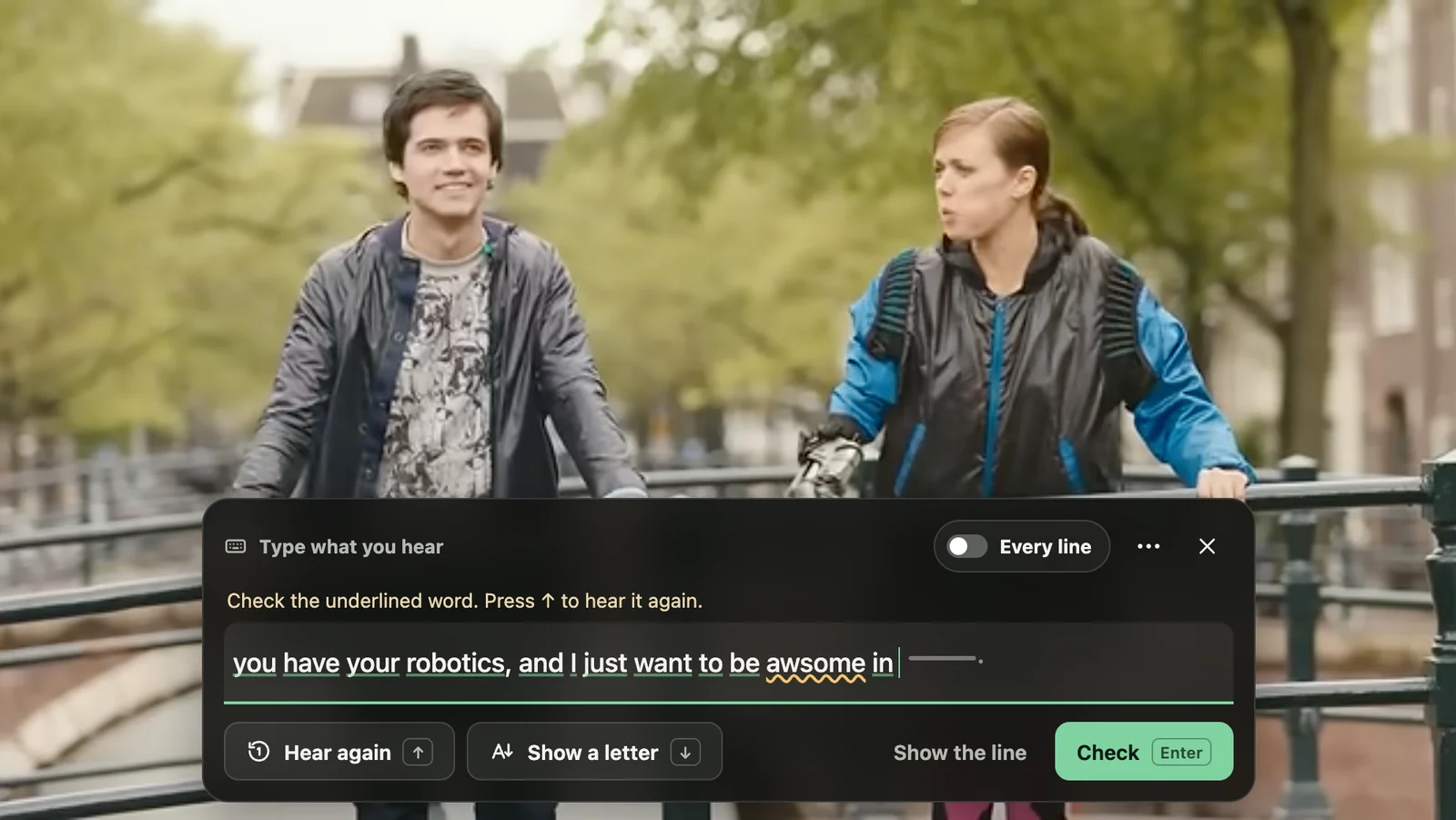
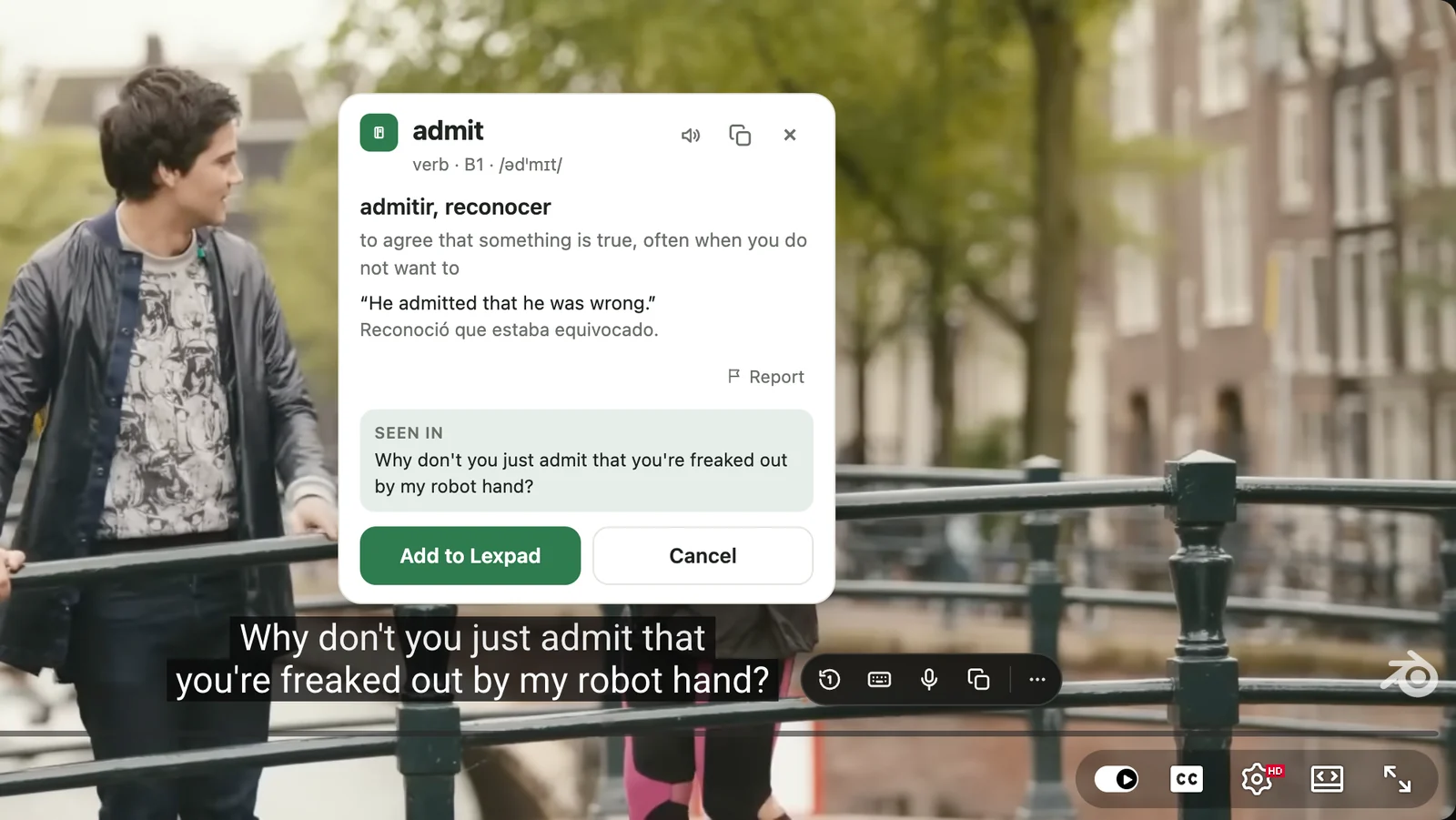
- The language you are learning, as soon as you can follow most of it. This is where the words are. You hear the sound and see the spelling at the same moment, and the scene gives you the meaning.
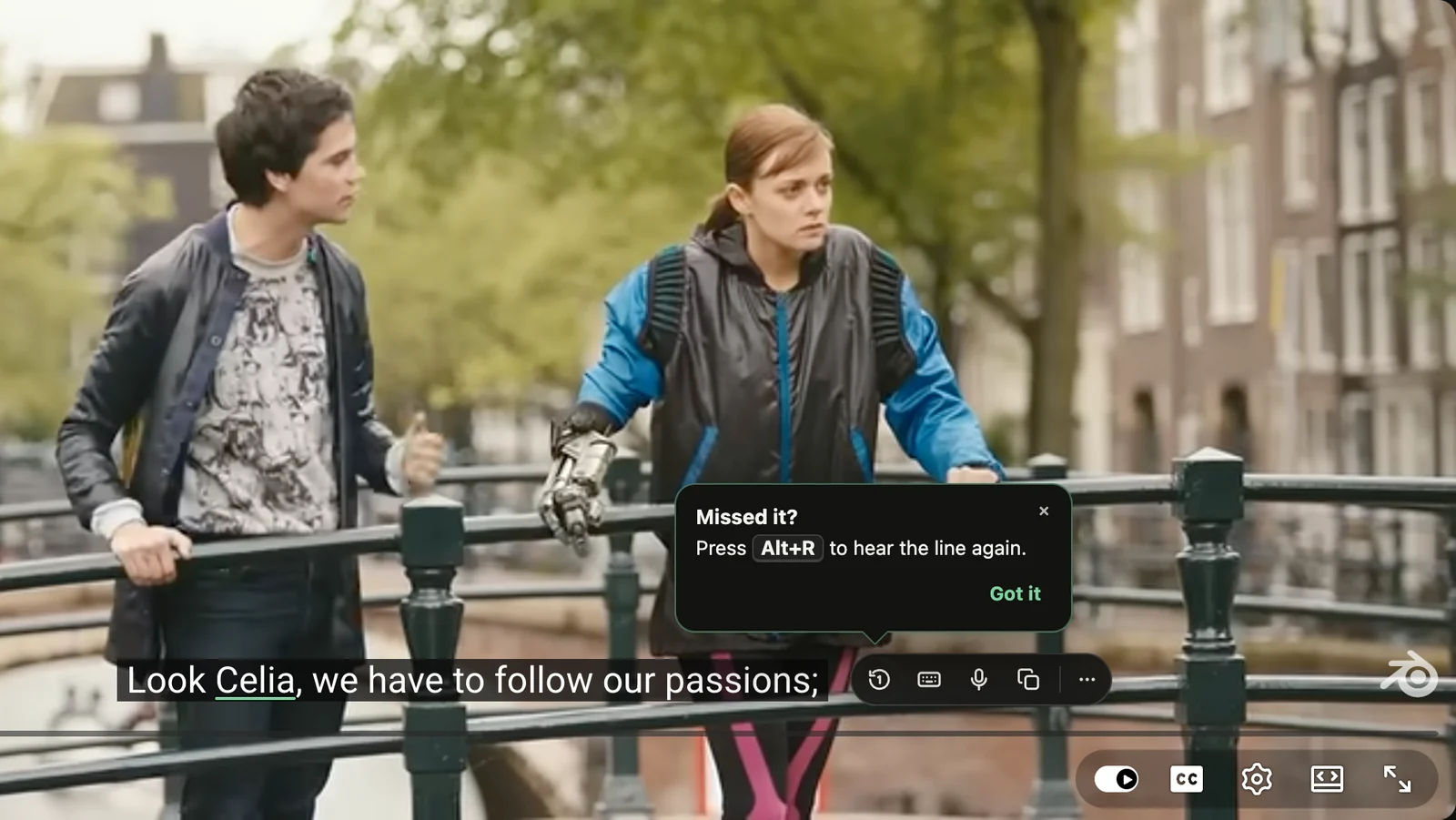
- None, for things you already follow well. Now the ear works alone. Keep subtitles one key away for the lines you miss.
Why the second stage does the most: in one experiment, Dutch speakers watched 25 minutes of strongly accented English, an Australian sitcom or a Scottish film, with English subtitles, Dutch subtitles or none. The English-subtitle group understood the accent best afterwards, even in sentences they had not heard, and the Dutch-subtitle group did worse on new sentences than people with no subtitles at all (Mitterer and McQueen, 2009). In another, students at about B2 watched the first episode of Downton Abbey: listening improved by 17% with English subtitles, 7% with none, and not at all with Spanish ones, although the Spanish subtitles gave the best grasp of the plot (Birulés-Muntané and Soto-Faraco, 2016). The story in your language is useful. It just does a different job.
Two notes on where subtitles come from. On YouTube, subtitles marked “auto-generated” were made by a machine, and YouTube says they can get words wrong with accents, dialects or background noise (YouTube Help); check an odd word before you keep it. Subtitles printed into the picture are part of the video: pause and type the word. Subtitles you can switch on and off are text, which a browser extension or a desktop player can read.
Two subtitles at once help in the hard-to-follow stage. Lexpad Player on a Mac or Windows PC shows up to three subtitle files at once, one in the language you learn and one in yours, each where you drag it. YouTube in a browser shows one. More on how to watch with dual subtitles.
 Lexpad



 Add to Chrome
 Add to Edge
 Add to Firefox